Bypass Google FRP
Unlock FRP lock without password after a factory reset on Android devices.

Advanced EDL Cable Method
Higher success rate, ideal for newer Samsung models S26, S25, S24.
Android Support
Works with Android 16, 15, 14, and earlier versions to regain full access.
Technical Specifications

The most comprehensive tech allows you to unlock Android devices without any trouble. From Android 2.0 to the latest Android 13.0+, FixProUnlocker Android Unlock is always by your side.
3 Steps to Unlock Android Screen

Step 1
Connect device and choose "Remove Screen Lock".
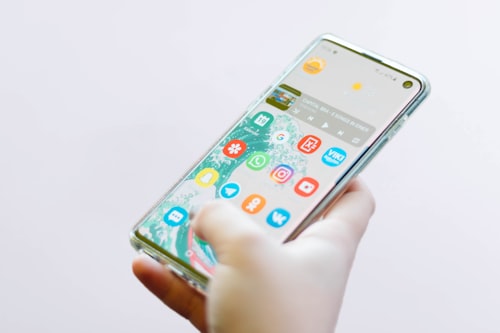
Step 2
Confirm and start to unlock screen.
Step 3
Unlock locked Android screen successfully.

10 Years
Experience

30 Days
Money Back Guarantee

100% Security
Purchase via 256-bit SSL

Free Tech Support
Online Support
FAQs for FixProUnlocker Android Unlock
- Q1: Will FixProUnlocker Android Unlock erase my data?
- Q2: Which models support removing the screen lock?
- Q3: How do I disable the screen lock on Android device?
- Q4: Which models are supported to remove the Google Lock?
- Q5: Will a hard reset unlock my Android device?
Tips & Tricks for FixProUnlocker Android Unlock
- Top 12 FRP Lock Removal Tools
- FRP Unlocker All In One Tool
- Free Download GSMGermany Service Tool Windows 10/11
- ADB FRP Bypass: How to Use & Best Alternative
- Motorola G Power FRP Bypass with/without PC - 2025 Updated
- Samsung S10 5G Google FRP Lock Bypass with or without Odin
- SPD Flash Tool: Features, Download & How to Use
- iPhone Unlocker Free AppGeeker Review: Does It Work?